


Quick answer
The benefits of AI for kids include patient help with learning, a boost to creativity, personalized practice, and a low pressure way to explore curiosity. Those gains are real when the tool is built for children, used for a clear purpose, and balanced with plenty of human time. The benefits shrink fast when AI is a general chatbot, runs all day, or replaces play and conversation. Sleepytale offers one gentle option with Cleo the Cloud, a safe AI friend who turns a child's interests into bedtime stories and lullabies.
Most parents hear about AI in two flavors: breathless promises and loud warnings. Neither helps at 7:30 on a school night when your child asks if the computer can tell them a story about sharks. The truth sits in the middle. AI can be a useful helper for some parts of childhood, and a poor fit for others. This guide walks through the real benefits of AI for kids, how it can help in school and at home, what research and pediatric groups suggest about limits, where the downsides show up, how to match it to your child's age, and how to keep it in a healthy place in your family's routine.
What Are the Main Benefits of AI for Kids?
When AI is designed well and used with purpose, parents tend to see a handful of benefits show up again and again. None of them are magic, and all of them work best with an adult nearby.
Patient, personalized help. A child can ask the same question five different ways and never get a sigh. The explanation can also be adjusted to a child's level, which is hard to do in a classroom of twenty five.
A spark for creativity. Kids can invent a character, then watch a story grow around it. That back and forth often pushes them to imagine more, not less.
Practice without pressure. Shy children can rehearse words, read aloud, or try an answer without worrying about being judged.
Fuel for curiosity. Why is the moon sometimes out in the daytime? A good tool can turn a passing question into a small adventure.
Support for different learners. Some children need things read aloud, slowed down, or explained with an example about trucks. Flexible tools can meet them there.
These are the benefits people usually mean when they search for a list of five or ten points. The more useful question is which ones matter for your child.
Benefits of AI for Kids in School
In classrooms, the strongest case for AI is support, not replacement. Teachers are stretched, and children learn at very different speeds. Tools that offer extra practice, read text aloud, or explain a step in a new way can fill small gaps between lessons.
For a child who is stuck on fractions, a patient explanation at home can make the next day of class feel less scary. For a child who loves dinosaurs but struggles with reading, a short story built around dinosaurs can make practice feel like play. Teachers can also use AI to prepare materials, which may free up time for the human parts of teaching.
Researchers and educators generally agree on one thing: the quality of the tool and the quality of the adult guidance matter more than the technology itself. A child who uses AI to check an idea after trying it learns something. A child who uses it to skip the thinking does not.
If your child's school uses AI, ask which tools are used, what data they collect, and how teachers decide when children should use them. Those questions are fair, and good schools expect them.
Benefits of AI for Kids at Home
Home is where AI can be the most personal, and also the easiest to overdo. The best uses tend to be short, shared, and tied to something your child already loves.
Bedtime stories built around their world. A child who adores owls and soccer can hear a story where an owl scores the winning goal. Personal stories often hold attention better than generic ones.
Songs and rhymes. Rhymes help young children notice the sounds inside words, an early step toward reading. A custom lullaby or silly rhyme can make that practice feel like a treat.
Answering the thousandth question. When you are cooking dinner and the questions about volcanoes keep coming, a kid-safe tool can take a few of them while you stay close by.
Language exposure. Some tools work in many languages, which can help families who speak more than one language at home or want to explore a new one.
Notice that every item on that list has a built in ending. A story finishes. A song fades out. That shape is what keeps AI helpful rather than sticky.
What Research and Pediatric Groups Suggest
The research on AI and child development is still young, so it is wise to be cautious with anyone who claims certainty. What the broader evidence on children and technology suggests is fairly consistent. Young children learn language best from live, back and forth conversation with people. Pediatric groups have long advised that screens should not crowd out sleep, play, and family time, and that adults should join in when younger children use media.
That guidance fits AI well. A tool can support learning, but it cannot give a toddler the serve and return of a parent answering a babble. Studies of children and voice assistants have found that young kids often treat talking devices as somewhere between a toy and a person. That is a good reason to explain, in plain words, that an AI is a computer program.
In short, the evidence points toward a simple idea: AI can add to a child's day, and it works best when it sits beside people instead of in front of them.
How Does AI Affect Education Negatively?
Any honest list of benefits needs its counterweight. Parents searching for the pros and cons of AI in schools are right to ask what could go wrong.
Shortcuts around thinking. If a tool writes the answer, the child skips the struggle that builds understanding. This is the biggest worry for older kids doing homework.
Confident mistakes. AI can say wrong things in a very sure voice. Children, especially younger ones, may not know to question it.
Privacy and data. Some products collect far more information than a child needs to share. In the United States, apps aimed at children under 13 are covered by COPPA, which requires parental consent for collecting personal information, so it is worth reading the privacy policy.
Too much screen time. Even helpful tools add up when they are layered on top of school screens and entertainment.
Less human connection. An endlessly patient tool can make the give and take of real friendships feel harder by comparison.
None of these are reasons to ban AI outright. They are reasons to pick carefully and to keep the adult in the loop.
Matching AI to Your Child's Age
The benefits shift a lot as children grow, so a single rule rarely fits.
Ages 2 to 3. Keep it minimal and shared. A short song or story with you in the room is plenty. Real conversation with people does the heavy lifting at this age.
Ages 4 to 5. Stories, rhymes, and simple questions work well. Sit nearby, keep sessions short, and let your child lead with what they love.
Ages 6 to 8. Children can start to use a kid-safe tool with more independence. This is a good time to explain that AI is a computer program that can be wrong, and to practice asking, "How could we check that?"
Ages 9 to 10. Kids can begin to use AI as a thinking partner for projects, as long as they do the thinking first. Talk about the difference between getting help and getting the answer handed over.
General purpose chatbots typically set 13 as the minimum age in their terms, so for this age range, look for tools built specifically for children.
How to Get the Benefits Without the Downsides
A few habits go a long way. They are simple, and you can start tonight.
Pick tools made for kids. Look for age filtered responses, no ads, and minimal data collection. A tool built for adults with a child filter bolted on is not the same thing.
Try it yourself first. Spend ten minutes talking to it the way your child would. Ask something odd and see how it responds.
Give every session a job. A story, a lullaby, a question about sharks. When there is a purpose, there is also an ending.
Do the thinking first. For school tasks, have your child try before they ask. AI works better as a second opinion than a first draft.
Name what it is. Say plainly that it is a computer program, not a person, and that it can make mistakes.
Protect the people. Playdates, dinner table talk, and time outside stay at the center. AI is a small extra, not a main course.
Meet Cleo, a Calm AI Friend for Bedtime
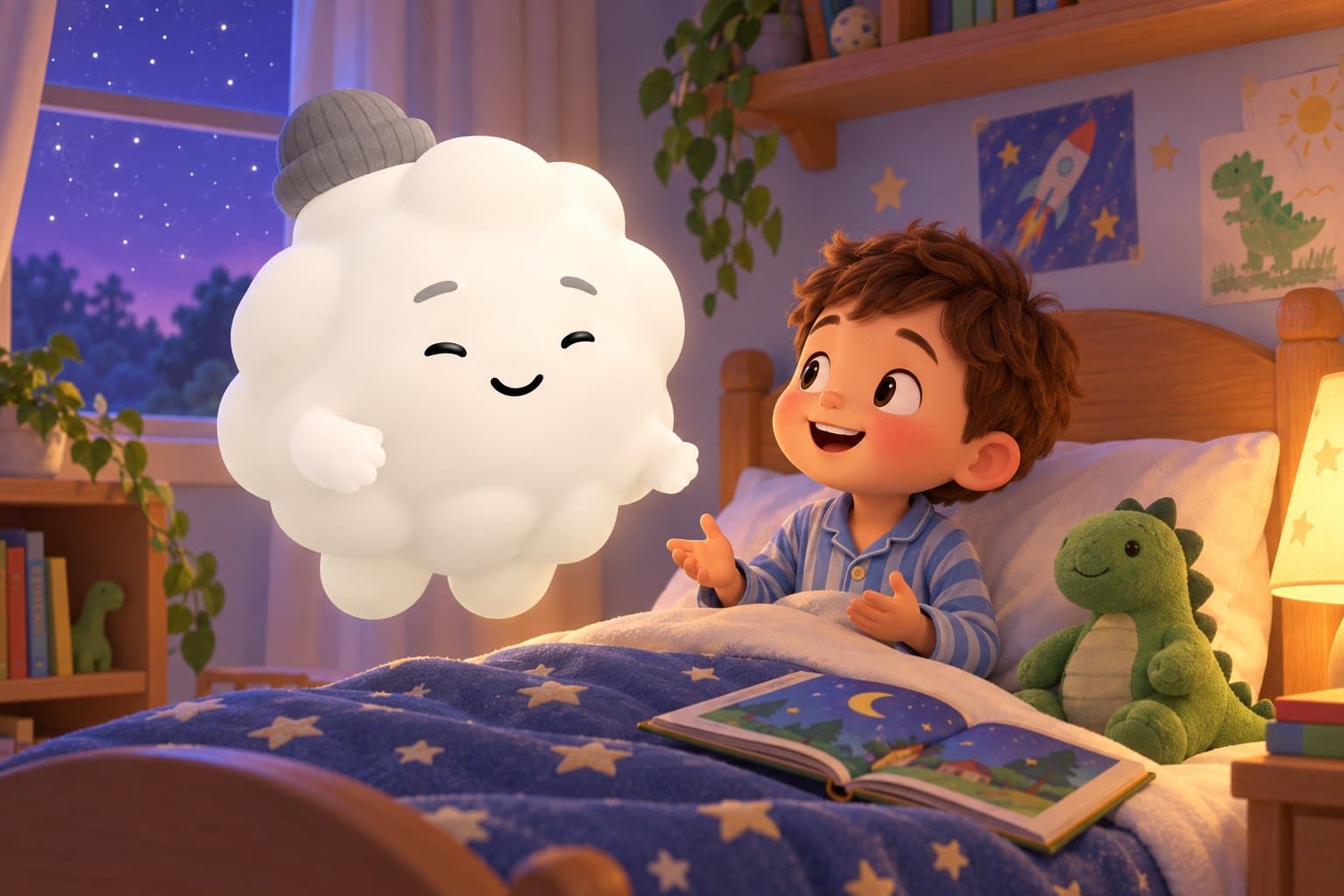
Many of the benefits above come together at the end of the day, which is why we built Sleepytale around bedtime. Cleo the Cloud is a safe AI friend for children ages two to ten. Your child talks with Cleo, and together they make personalized bedtime stories, lullabies, lessons, and rhymes built around what they love. Cleo is voice first, so the screen can stay off at lights out, and every response is filtered for age appropriate content. There are no ads and no unnecessary personal data collection.
Cleo remembers a child's name, interests, and the characters they have created together, so the friendship grows over time. Sleepytale was founded by a registered nurse and is designed to help kids wind down, not stay up longer. Cleo is a storyteller made of code, not a stand in for real friends, and she is best used as the last calm step in a bedtime routine. You can meet Cleo and see how she talks with kids before you decide.
Frequently Asked Questions
What are the benefits of AI for kids?
Well designed AI can offer patient, personalized help with learning, spark creativity through stories and rhymes, and give shy children a low pressure way to practice. It can also feed curiosity by turning questions into small adventures. These benefits are strongest when the tool is made for children and a parent is nearby.
What are the five biggest benefits of AI for children?
Parents most often point to personalized help, creative play, practice without pressure, support for different learning styles, and fuel for curiosity. Each one works best with a clear purpose and an adult who stays involved. No single list fits every child, so choose the ones that match your kid.
Is it okay for kids to use AI for school?
It can be, when AI supports learning instead of doing the work. Have your child try the problem first, then use AI to check an idea or explain a tricky step. Ask the school which tools it uses and how it handles student data.
What is the 30 percent rule for AI?
There is no official rule by that name, and the phrase means different things in different places. A useful household version is to let your child do most of the thinking and use AI for a small share of the help. If you ever see a firm number claimed as a rule, treat it as a rule of thumb, not science.
How does AI affect education negatively?
The main concerns are shortcuts around real thinking, confident answers that turn out to be wrong, privacy and data collection, extra screen time, and less human connection. These risks grow when children use general chatbots without guidance. Picking kid-built tools and staying involved reduces most of them.
What age is right for kids to start using AI?
Under three, there is little benefit, because language grows from live conversation with people. Ages three to five can enjoy short, shared activities like a bedtime story. From about six, children can use a kid-safe tool more independently, and general chatbots typically require users to be at least 13.
Can AI replace teachers or parents?
No. AI can add practice and explanations, but children learn best from relationships with real people. Think of it as one helper among many, never the main source of connection or guidance.
A Gentle Way to End Their Day
Sleepytale gives your child a safe AI friend with a bedtime job: Cleo the Cloud turns what they love into a personalized story or lullaby, with the screen off. Calm, simple, and built to help kids wind down. Try it free tonight.
Looking for more parenting guides?

Can AI Be a Friend to Your Child
Can AI be a friend to your child? A calm parent's guide to what AI companions are, the real risks, healthy limits, and how Sleepytale fits in.
AI Imaginary Friends for Kids
Is an AI imaginary friend healthy for your child? Sleepytale explains why kids bond with AI, the real risks, the right age, and how to set limits that keep real friends first.

Free Stories to Read to Baby in Womb
Looking for free stories to read to your baby in the womb? Sleepytale shares three gentle read-aloud tales, plus when babies start hearing and easy reading tips.

Characteristics of Fairy Tales
What makes a story a fairy tale? Sleepytale breaks down the characteristics of fairy tales, the classic elements, and clear examples from the tales kids know.
Story Starters for Kids
Looking for story starters for kids? Sleepytale shares 60+ fun story ideas and prompts for kids, sorted by theme, plus easy tips to turn them into full tales.

How to Teach Empathy to Kids
Want to teach empathy to kids? Sleepytale shares simple activities, lessons, and everyday habits that help children understand and share other people's feelings.