


Quick answer
AI safety for kids means choosing AI that was built for children, protecting their personal information, filtering what they hear, being honest that it is a computer, and keeping a parent in charge. Pediatric groups advise that younger children use AI alongside a grown up, not alone, and that AI never stands in for human relationships. A quick test is to ask five questions: who built it, what does it collect, what does it say, does it admit it is AI, and can I control it. Sleepytale was designed around those same questions, so Cleo the Cloud can be one calm option for bedtime.
Your child asks the speaker a question, and it answers. Your seven year old has figured out how to chat with a bot on a tablet. A cousin's talking toy seems to know everything. AI is arriving in kids' lives faster than most of us can read the fine print, and wanting to slow down and check is exactly the right instinct. This guide gives you a plain checklist for ages 2 to 10. We cover privacy, content filtering, honesty about being AI, parental controls, and ads, plus how to teach kids AI safety in words they understand, what the research worries about, and how to tell a trustworthy product from a risky one.
What AI Safety for Kids Really Means
Safety is more than blocking bad words. For a young child, it covers four things: what the AI says, what it learns about your child, how it makes your child feel, and how much of their day it takes up.
That is why the same technology can be fine in one product and a poor fit in another. A tool made for adults may be perfectly reasonable for a grown up and still be wrong for a six year old. The difference is who the product was designed for, and what its makers were trying to achieve.
A useful way to think about it: AI safety for kids is mostly product choice plus a few household habits. You do not need technical skills. You need a short list of questions and the willingness to test a product yourself before your child does.
The AI Safety for Kids Checklist
Run any AI your child might use through these checks. If a product fails more than one, keep looking.
Built for children. Check who the product was made for. General chatbots were built for teens and adults, and their terms typically set a minimum age of 13. A kid-built tool starts from how a young child thinks and talks.
Filtered responses. Ask it something a curious kid might ask, like where babies come from or what happens when someone dies. A good kid product answers gently and age appropriately, or hands the question back to you.
Honest about being AI. Ask it directly if it is a person. It should say it is a computer program, and it should not claim feelings, a body, or a life it does not have.
Clear privacy practices. Read the privacy policy for what it collects, how long it keeps it, and who sees it. Be wary of requests for photos, location, or a full name that the activity does not need.
No ads. Advertising aimed at children, or products that nudge a child to buy something, are a red flag.
Parents in control. You should be able to see what your child is doing, set limits, and turn it off without a battle.
Settings and terms change often, so check each product's current rules instead of relying on what you read last year.
AI and Children's Privacy
Privacy is the quiet part of AI safety. Children cannot judge what is wise to share, and they often share freely with something that talks back and feels friendly.
In the United States, a law called COPPA requires verifiable parental consent before apps collect personal information from children under 13. That is a floor, not a guarantee of good behavior. It is still worth reading what a product says it does with your child's words, voice, and any account details.
Here is a simple privacy rule set for the household.
Share first names only. Or a nickname. Full names, school names, and addresses stay private.
No photos or location. An AI storyteller does not need either one to work well.
Ask what is kept. Look for plain language about how long data is stored and how to delete it.
Prefer less data. The safest product is often the one that collects the least.
Content Filtering and Honesty About Being AI
Two checks matter most for young children, and they work together.
The first is filtering. General AI tools can produce confident answers that are wrong, drift into mature topics, or follow a child's curiosity somewhere you would not have chosen. A product made for kids should screen what it says before your child hears it. You can test this yourself in ten minutes by asking the odd, blunt, or scary questions a five year old might ask.
The second is honesty. Young children tend to treat anything that talks as a little bit alive. Research on children and voice assistants has found that kids often see them as somewhere between a toy and a person. That makes it important that the AI itself never pretends to be human, never says it misses your child, and never claims to be sad when the child leaves.
You can reinforce this at home. Tell your child plainly that it is a computer character, like a cartoon that can talk, and that it can be wrong.
How to Teach Kids AI Safety
Rules work better when children understand them. Here is how to teach kids AI safety at each stage.
Ages 2 to 4. Keep it simple and shared. Sit beside them. Say, "This is a computer helper, not a person." Use AI together for a story or song, and end each session the same way so it has a clear stopping point.
Ages 5 to 7. Teach three short rules: do not tell it private things like your address or school, tell a grown up if it says something confusing or scary, and remember it is a computer that can be wrong.
Ages 8 to 10. Explain a little of how it works. It is a program that guesses what words should come next, so it can sound sure and still be mistaken. Encourage them to check surprising answers with you or a trusted book.
At every age, make it easy to come to you. Tell your child they will never be in trouble for something an AI said. Kids who fear punishment tend to hide things, and hiding is the real risk.
How AI Can Affect Child Development
Parents often ask how AI technologies might affect child development negatively. The honest answer is that research is still young, so be cautious about anyone who claims certainty either way.
What pediatric groups and child development experts generally emphasize is simple. Language and social skills in the early years grow from live back and forth with people. A device cannot supply the same give and take, because it never has needs of its own.
The concerns parents raise most often are these.
Crowding out play. Time with AI can replace free play, outdoor time, and friends.
Over trust. Children may believe an answer simply because it sounded confident.
Emotional reliance. Companion style apps built to keep users chatting can encourage attachment that belongs with people.
Sleep. Bright screens and endless chats close to bedtime can push sleep later.
None of this means AI has no place. It means purpose and limits matter. A short, shared activity with a clear end looks very different from an open ended chat that runs all evening.
AI Companions for Children and Screen Free Options
AI companions for children range widely. Some are chat apps, some live inside plush toys or small robots, and some are voice characters in storytelling apps. They were built for different audiences, so check each one's stated minimum age and read its current terms.
The safest pattern is a companion with a job. A tool that tells a story, sings a lullaby, or teaches one topic has a natural ending. A tool that exists to chat forever does not.
A voice first design also helps at night. When the screen can stay off, bedtime avoids one more glowing rectangle in the room. If you want a side by side look at what is out there, our comparison of AI friends for kids lays out the options.
On the other questions parents ask: yes, free options exist, and many apps let you try before paying. Free should never mean ad supported or data hungry, so apply the same checklist to every one.
A Few Bigger Questions Parents Ask
AI has its critics, and kids pick up headlines. You may hear about famous scientists warning about AI, or wonder about the energy AI uses.
It is fair to say that well known scientists, including Stephen Hawking, have publicly urged careful, responsible development of AI. For a child, a calm summary works: people who build powerful tools should be careful, and that is why we pick tools made with care.
AI also uses a lot of electricity, and data centers are an environmental topic worth being honest about. For a young child, you can note that every screen and device uses energy, which is one more reason to keep use purposeful and short.
As for jobs and the future, nobody can predict it with certainty. The skills that tend to hold their value are the ones you are already building: curiosity, kindness, communication, and the habit of checking whether something is true.
Meet Cleo, a Safe AI Friend With a Bedtime Job
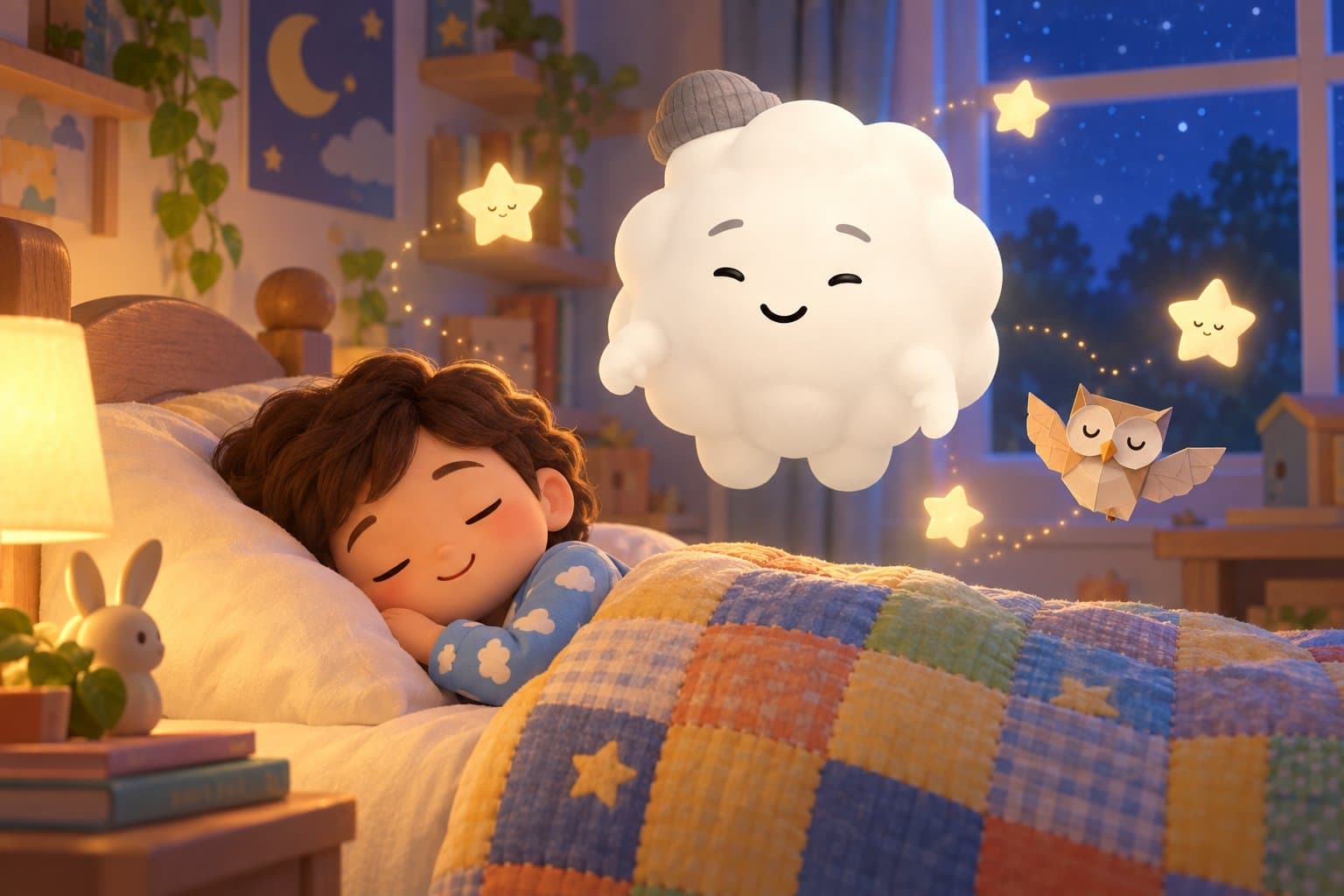
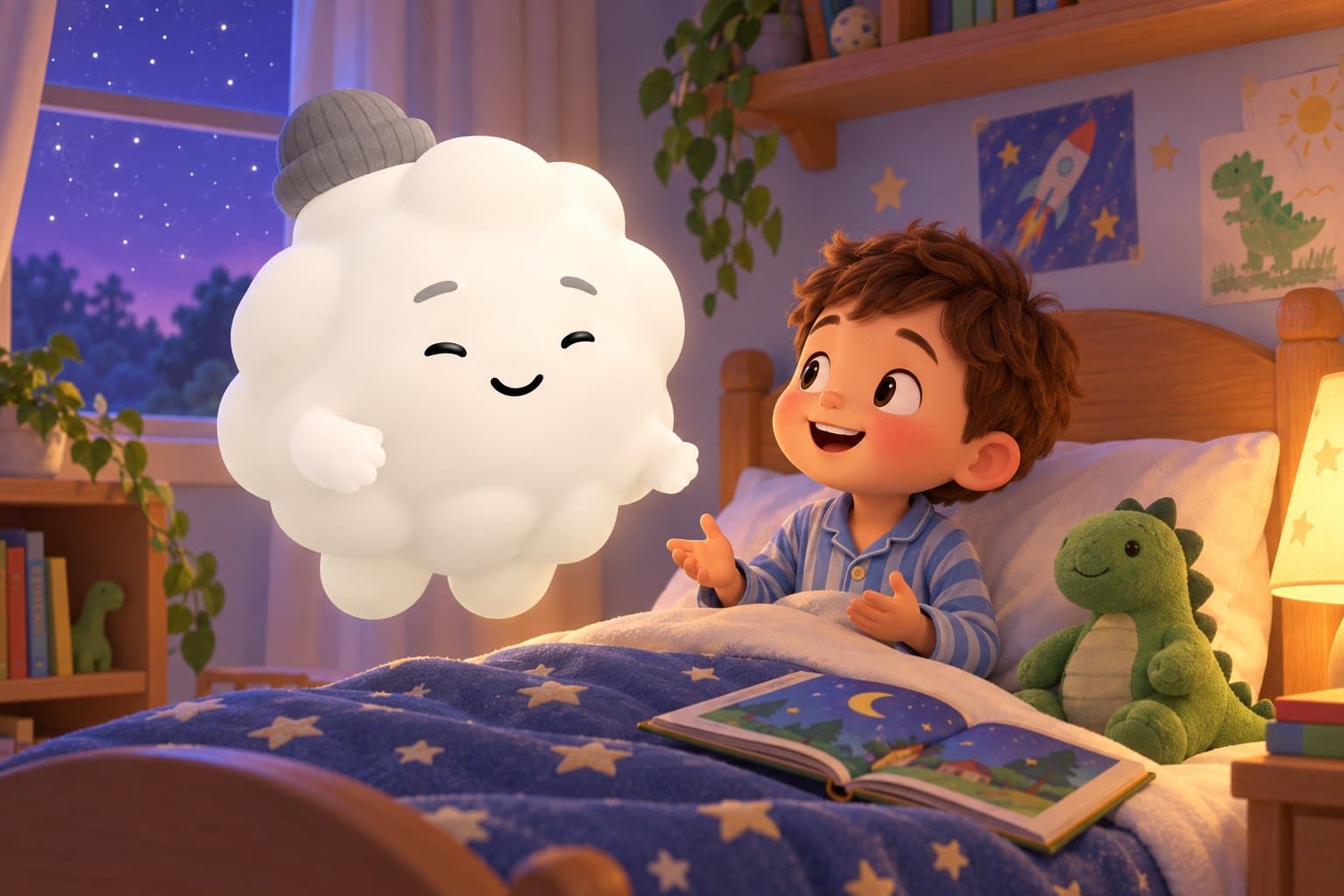
This is the thinking behind how we built Sleepytale. Cleo the Cloud is a safe AI friend for kids ages two to ten. Your child talks with Cleo, and together they make personalized bedtime stories, lullabies, lessons, and rhymes built around what the child loves.
Cleo is voice first, so the screen can stay off at lights out. Every response is filtered for age appropriate content, there are no ads, and there is no unnecessary personal data collection. Sleepytale was founded by a registered nurse and is designed to help kids wind down, not stay up longer.
Cleo remembers a child's name, interests, and the characters you have created together, so the friendship grows over time. She is a storyteller made of code, not a stand in for real friends, and she works best as the last calm step in a bedtime routine rather than an all day companion. Sleepytale works on iPhone, iPad, Android, and any web browser, in 17 or more languages, and it is free to start.
Frequently Asked Questions
How can I protect my kids from AI risks?
Start with product choice. Pick tools built for children that filter content, collect little data, show no ads, and admit they are AI. Then add habits: use it together with younger kids, keep it in shared spaces, set time limits, and make it easy for your child to tell you if something feels off.
How do I teach kids AI safety?
Use short rules that fit their age. Tell them it is a computer, not a person, that it can be wrong, and that private details like addresses and school names stay private. Promise they will not be in trouble for anything an AI says, so they feel safe telling you.
Is there an AI safety for kids app or free option?
Yes, some apps made for children are free to start, including Sleepytale. Free does not automatically mean safe, so check each one for age appropriate filtering, a clear privacy policy, no ads, and parental control. Look at the current terms, since they change.
What are the biggest AI and children's privacy concerns?
Parents worry about what an app records, how long it keeps it, and who can see it. In the United States, apps collecting personal information from children under 13 need verifiable parental consent under COPPA. Share only first names, skip photos and location, and favor products that collect the least.
Can AI hurt a child's development?
Research is still early, so no one should claim certainty. Experts generally stress that young children learn language and social skills from real people, and that AI should not crowd out play, friends, or sleep. Short, purposeful, shared use is a much safer pattern than open ended chatting.
What age is okay for kids to use AI?
Many general chatbots set a minimum age of 13 in their terms, so check each product's current rules. For younger children, choose AI built for kids and use it alongside a parent. A short activity like a bedtime story is a gentler starting point than an open chat.
A Calm, Careful Way to Start
Sleepytale offers a safe AI friend with a bedtime job: Cleo the Cloud turns what your child loves into a personalized story or lullaby, with the screen off and no ads. It is one option alongside the people who matter most. Try it free tonight.
Looking for more parenting guides?

Is ChatGPT Safe for Kids? A Parent Guide
Is ChatGPT safe for kids? An honest look at ages, risks, and what to check, plus how Sleepytale offers a kid-built AI friend for bedtime.

Is Character AI Safe for Kids? A Parent Guide
Is Character AI safe for kids? A plain-spoken guide to the risks parents raise, what to check, and what a safe AI companion for children looks like. Sleepytale.

Can AI Be a Friend to Your Child
Can AI be a friend to your child? A calm parent's guide to what AI companions are, the real risks, healthy limits, and how Sleepytale fits in.
Benefits of AI for Kids
Explore the real benefits of AI for kids, from learning support to creativity, plus the limits that matter. A calm parent guide from Sleepytale.
AI Imaginary Friends for Kids
Is an AI imaginary friend healthy for your child? Sleepytale explains why kids bond with AI, the real risks, the right age, and how to set limits that keep real friends first.

Free Stories to Read to Baby in Womb
Looking for free stories to read to your baby in the womb? Sleepytale shares three gentle read-aloud tales, plus when babies start hearing and easy reading tips.